· 3 min read
How to Create a Free QR Code in 2026 (No Sign-Up Required)
Step-by-step guide to creating a free, customized, high-resolution QR code — no account, no watermark, no expiration. Pitfalls to avoid and best practices.
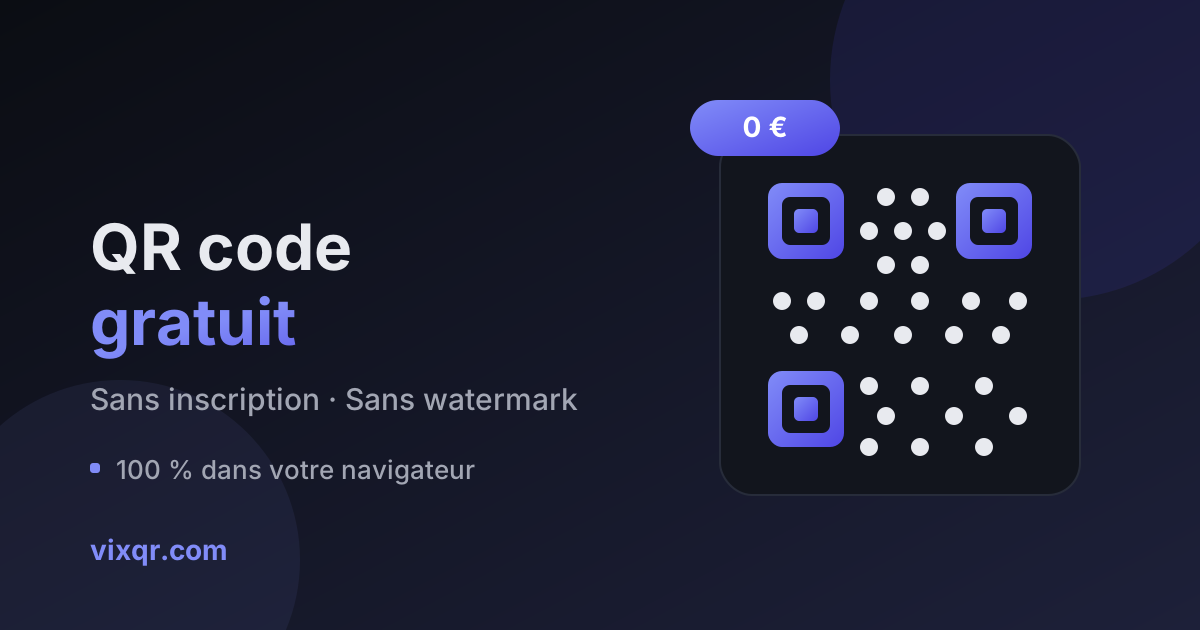
Free · No sign-up · No watermark
URL, WiFi, vCard, email… Customize colors, shapes and logo, then export as PNG, SVG or PDF. Everything is generated in your browser: your data is never sent anywhere.
URL, text, WiFi, vCard, email, SMS, phone call, WhatsApp, social media and file (PDF, image, video): the right format for every use case.
Colors, gradients, dot and finder-eye styles: a QR code that matches your brand.
Add your logo in the center of the code. The QR standard's error correction keeps it perfectly scannable.
High-resolution PNG for the web, vector SVG and PDF for crisp printing at any size.
Generation is 100% local, in your browser. WiFi passwords and contact details never touch a server.
The tool live-checks contrast and logo size, and warns you before a code becomes unreadable.
Link, WiFi, vCard contact, email, SMS or plain text: fill in the form and the preview updates live.
Brand colors, gradient, dot shapes, centered logo and error correction level.
Download as PNG, SVG or PDF, or copy the image. The code is static: it will work forever.
Yes, entirely. No account, no limited trial, no watermark, no locked features. Generated QR codes are static: they belong to you and work forever.
No, never. Generation happens entirely in your browser (client-side JavaScript). WiFi passwords, vCard details, links: nothing leaves your device. The tool even works offline once the page is loaded.
No. VixQR generates static QR codes: the information is encoded directly into the pattern, with no third-party redirect server. Unlike trial 'dynamic QR codes', they never stop working.
Yes. The QR standard includes error correction (up to 30% at level H), which lets a logo cover the center of the code while staying scannable. The tool automatically checks that the logo size stays reasonable.
SVG: a vector format that stays perfectly sharp at any size, from business card to billboard. PDF also works well for sending straight to a print shop. High-resolution PNG is fine for screens.
Our guides to creating QR codes that work — and avoiding the traps.
· 3 min read
Step-by-step guide to creating a free, customized, high-resolution QR code — no account, no watermark, no expiration. Pitfalls to avoid and best practices.
· 3 min read
Add a vCard QR code to your business card: your contact details save straight into your contact's phone. Format, creation steps, and best practices.
· 3 min read
Create a WiFi QR code so guests connect in one scan — no password dictation. The WIFI: format, WPA security, printing tips: everything explained.